

v4.7.0
Zense AI v4.7.0: Portfolios and Class Work
See each student's learning, activities and awards in one portfolio, and mark a whole class from scanned paper.
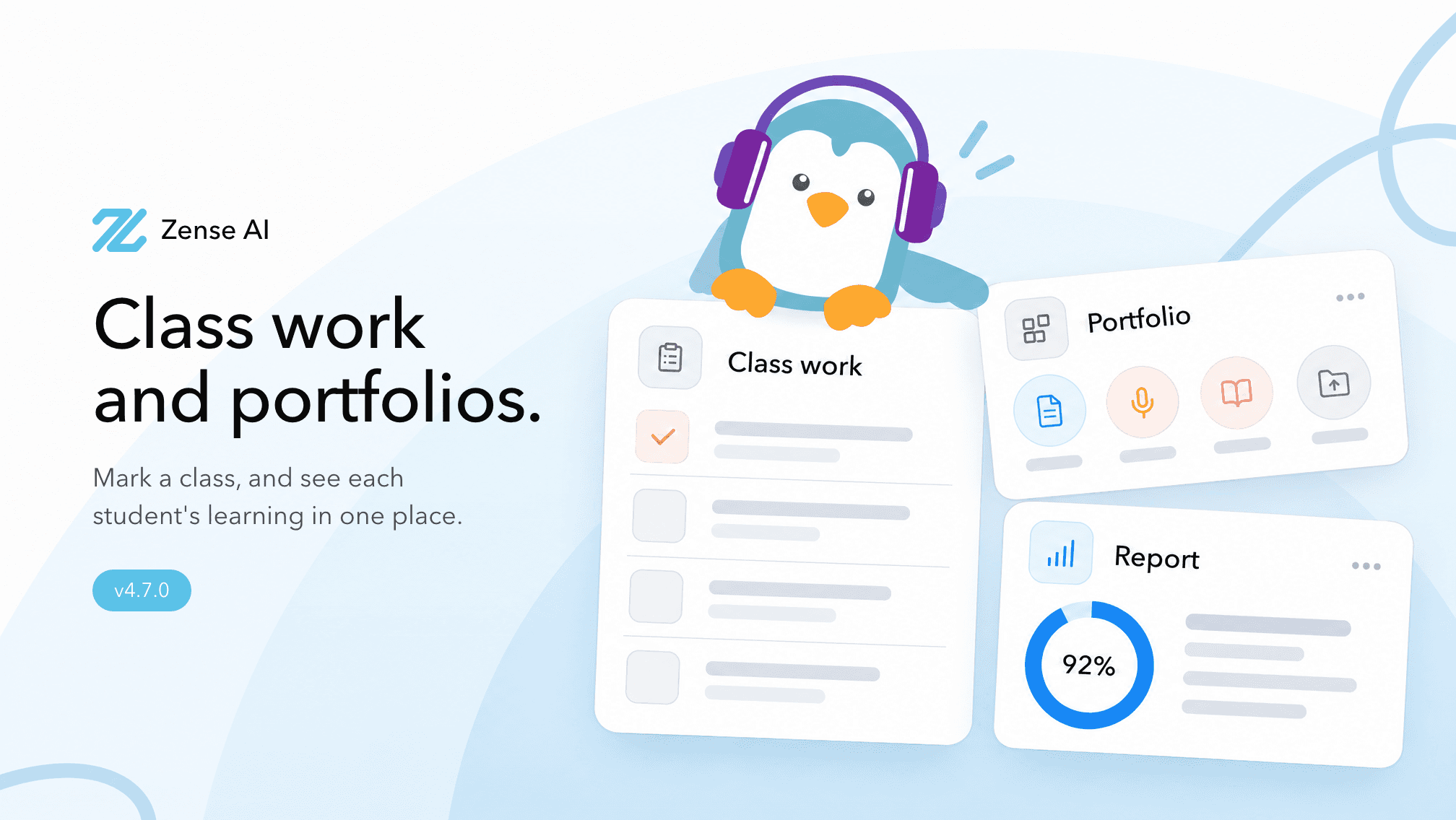
See each student's learning, activities and awards in one portfolio, and mark a whole class from scanned paper.
New Features
- Student portfolios: Each student's page now brings together their learning by subject, school results, activities and awards. Teachers can add records one by one or bring in a whole class from a spreadsheet.
- Find students by what they did: Search the school's activity and award records to pick students for a team, a role or a nomination.
- Reports: Write a report for a student, a class or a form over any dates, ask it a question such as strengths and what to work on next, then keep it to edit or print.
- My portfolio for students: See your badges, learning journey and records. Activities a student adds wait for a teacher's approval.
- In chat: Ask about a student's records, or have a report written and saved, without leaving the chat.
- Mark class work: Add a mark scheme, the blank paper, or both. Zen-se reads the paper into a quiz. Choose the students, and look over the questions before marking if you want.
- Drop the whole class's scanned scripts at once — PDFs, photos, or a ZIP. Each file is matched to a student by the file name, or by class and number. You pick anyone still unmatched. The scripts are handed in and marked.
- You can review and change any mark. Choose Wait for my review and students see results only after you confirm.
Improvements
- On the assignment, upload more scanned work later, download each student's marked script as a PDF with a feedback page (shown as Draft until you review), and export results as CSV.
- Newer models and images: Chat adds GPT-6.2 Sol, Gemini 4 Neon, Gemini 4 Carbon, Gemini 4 Hydrogen, Pixtral Large, Hy4 Flash and Muse Ember. Older models in those families step aside. Nano Banana 2.1 makes sharper images at the same sizes.
Bug Fixes
- In chat, slides saved to the library can be edited again. While an app or other material is being created, it stays in the library so you can see several being made at once, and open an app to watch it being written. Thinking and the steps along the way stay in order. Editing an app keeps its name and changes the part you asked for.