

Seven tools that work together, from planning to marking.
 Auto


Chat
Staff and students hop between five AI apps, and your school rules apply to none of them.
Every top AI model, in one safe chat.
Auto picks the right model for each question, with web search, images, slides and a study mode.
Teacher
Plan a lesson in minutes
Student
Revise with study mode
School
Every model, one credit pool

AI tutors
Students get stuck after school, and you can't answer every message.
A tutor built from your notes, there 24/7.
It answers from your material, stays on topic, coaches speaking and tells you who's struggling.
Science teacher
A tutor for every lab
Language teacher
A speaking partner
Any teacher
Share it by code

Classroom
Materials in one app, homework in another, AI somewhere else.
One space for every class.
Students join with a code and find materials, AI tutors, assignments and live lessons in one place.
Class teacher
Everything in one place
Chinese teacher
From ideas to essays
Student
Always know what's next
 Real classroom storyFrom a blank page to a full outline

Assignments
Hours spent formatting quizzes, then marking them by hand.
AI formats the quiz. We assign it for you.
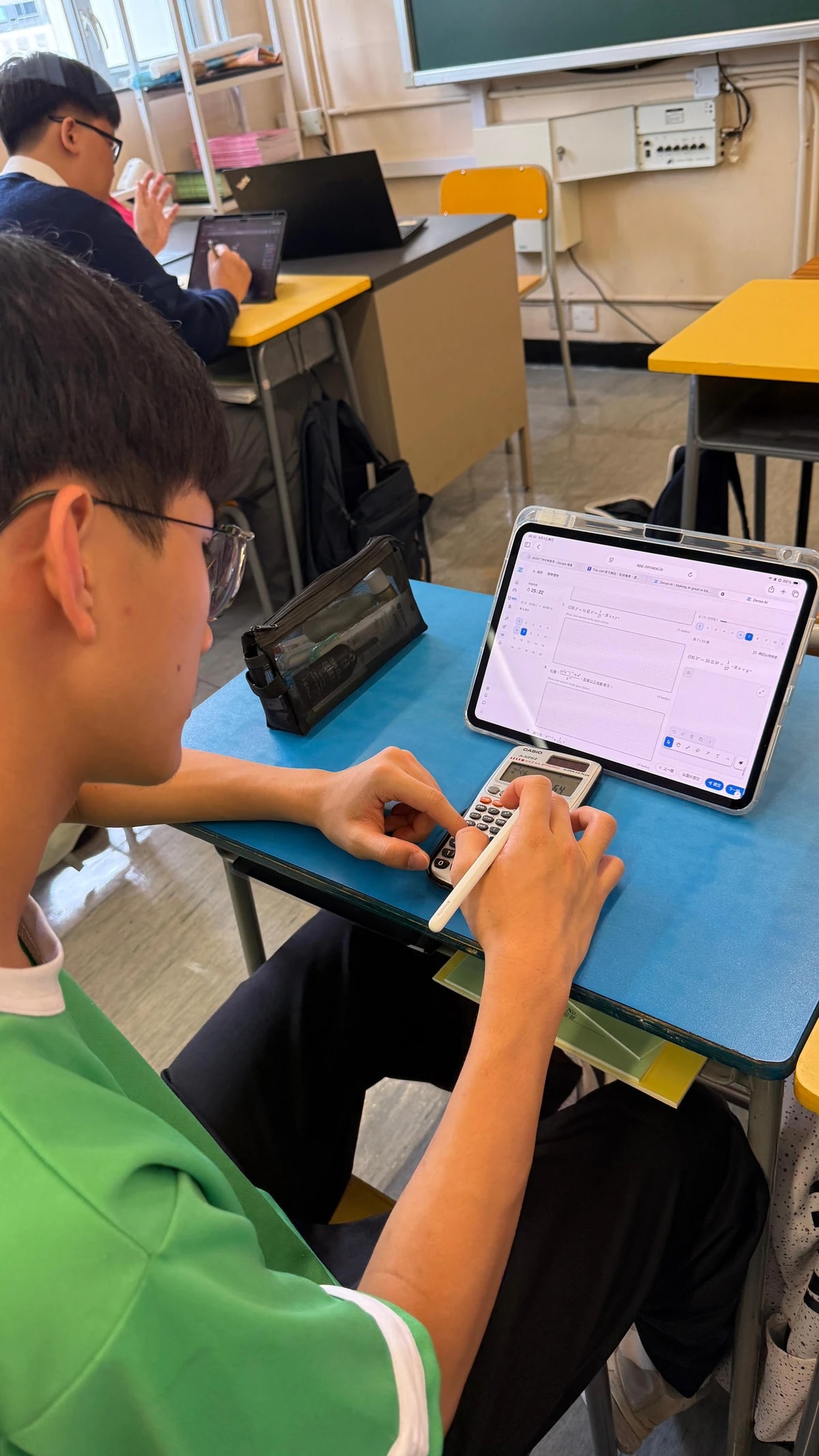
Paste or upload your questions. AI turns them into a ready quiz, sends it to the class and marks every answer, handwriting included, for you to check.
Maths teacher
Mark 30 scripts before lunch
English teacher
Speaking homework
Department head
See the whole level
 Real classroom storyFrom handwriting to insight

Live class
Mid-lesson, you can't tell who is using AI to learn and who is using it to copy.
See every student's AI use, live.
Watch each student's AI chats during class, spot who's stuck or off task, and step in. An AI review arrives after the lesson.
STEAM teacher
One teacher, thirty builders
Chinese teacher
Guided writing
Science teacher
Lab work with a guide
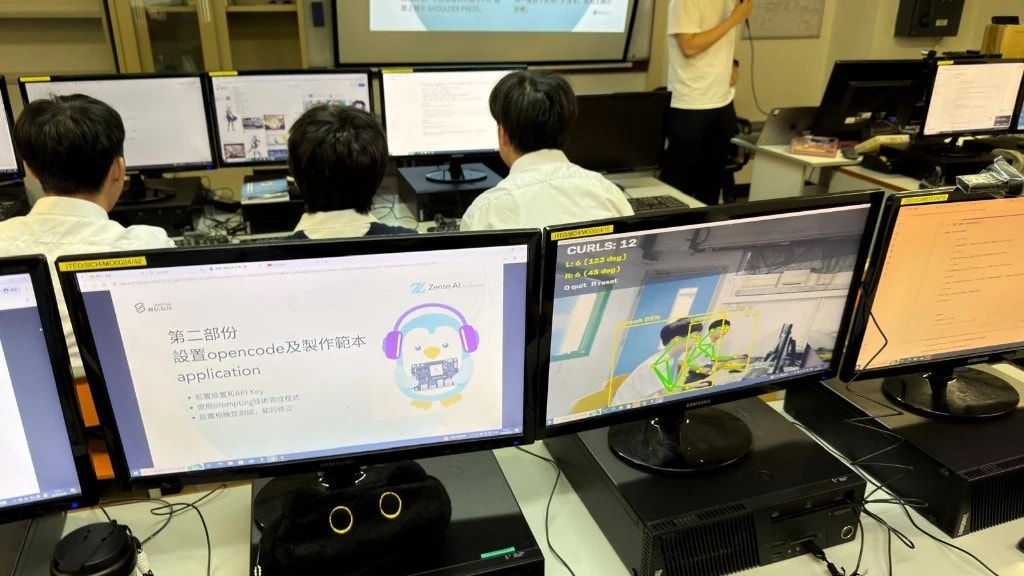 Real classroom storyFrom hardware to hands-on AI

Tools & Apps
Another worksheet, slide deck and poster to make tonight.
The busywork, done in seconds.
Teaching tools, image and video studios, file helpers and AI-built apps, all one click away.
New teacher
Lesson ideas on tap
Chinese teacher
An app for your class
School office
Minutes and letters

Zpeak · Free desktop app
Many students have the ideas. Typing them out is where they get stuck.
Speak it. It’s typed.
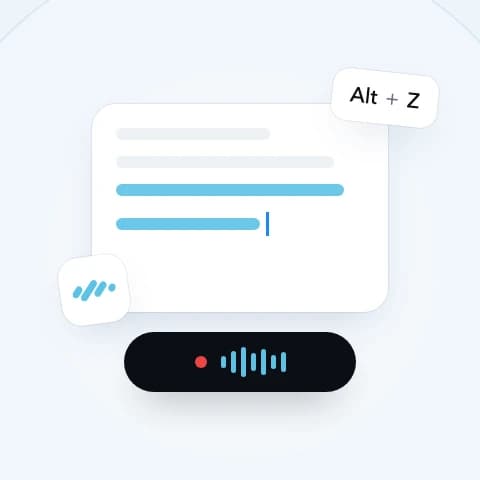
Zpeak sits in your taskbar. Press Alt + Z in any app, say your answer, and the words appear where you’re typing. Open source, for Windows and Mac. Small enough for old school laptops: just a 2.9 MB download.
Students
Answer in any app
SEN support
Ideas first, spelling later
Teachers
Feedback by voice

How Zense AI works
Zense AI Chat includes GPT from OpenAI, Claude from Anthropic, Gemini from Google, DeepSeek and Qwen in one chat.
Auto mode picks the right model for each question, with web search, image generation, slide decks and a study mode.
School safety settings apply to every conversation, and risky messages are flagged to teachers in real time.
A Zense AI Tutor is a subject AI tutor that a teacher builds from lesson notes and worksheets.
It answers only from that material, stays on topic, asks guiding questions instead of giving answers, and is there for students 24/7, including speaking practice.
Teachers share it with a class by code, and Zense AI shows which students are struggling.
In Zense AI Assignments, a teacher pastes or uploads questions and Zense AI formats the quiz in seconds, with quiz, speaking, book report and file upload tasks.
AI does the first round of marking, handwriting included, and writes step-by-step feedback for the teacher to review.
Teachers track progress by student and by question.
In Zense AI Live class, the teacher sees every student's AI chats during the lesson, spots who is stuck or off task, and steps in.
Students work through self-paced missions with AI guiding each step, risky messages are flagged in real time, and an AI review of the class follows the lesson.